 App Screenshot Maker
Pixel-Perfect iPhone Frames
Authentic device bezels for iPhone 16 Pro Max, iPad Pro, and Apple Watch with mathematically accurate corner radii that match Apple's Human Interface Guidelines down to the sub-pixel level.
A professional web-based studio built for modern iOS launch teams. Drag and drop raw iPhone screens, instantly align typographic layouts, apply cinematic 3D Apple device frames, and export localized ZIP packs effortlessly via App Screenshot Maker.
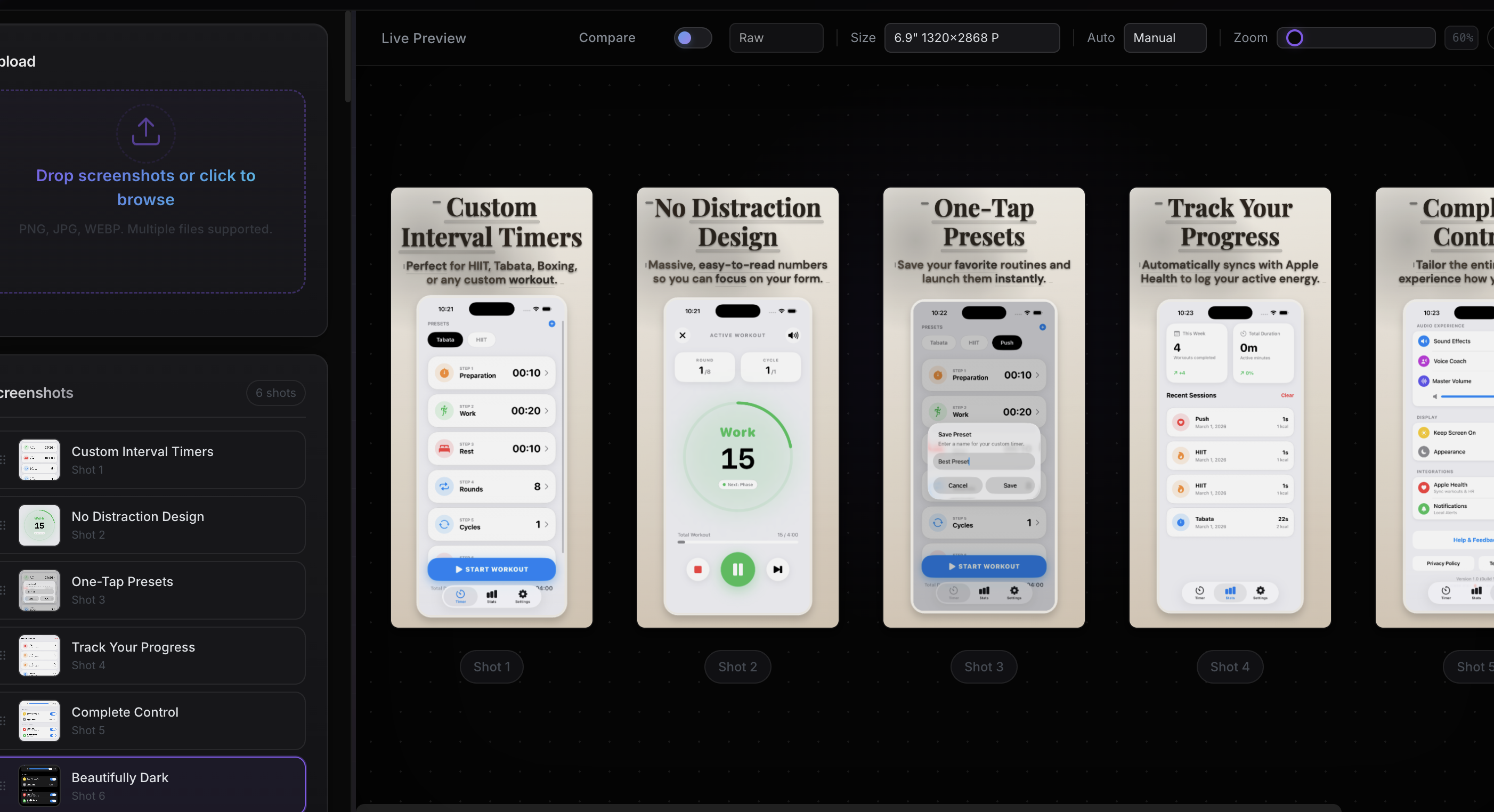
Purpose-built for the Apple ecosystem. Every frame, every export, every pixel tuned to meet App Store requirements and Apple Human Interface Guidelines.
Authentic device bezels for iPhone 16 Pro Max, iPad Pro, and Apple Watch with mathematically accurate corner radii that match Apple's Human Interface Guidelines down to the sub-pixel level.
Export at the exact dimensions Apple requires — 6.7" and 6.5" iPhones, 5.5" legacy iPhones, and 12.9" iPad Pro. Proper safe zones are enforced automatically so your screenshots pass Apple review guidelines on the first submission.
Paste translations and watch layouts auto-adjust for App Store Connect's 40+ supported locales. Full RTL handling for Arabic and Hebrew ensures mirrored layouts render correctly, then batch-export every locale into a structured ZIP ready for upload.
| Device | Display Size | Resolution | Scale |
|---|---|---|---|
| iPhone 16 Pro Max | 6.7" | 1320 x 2868 | 3x |
| iPhone 16 Plus | 6.7" | 1290 x 2796 | 3x |
| iPhone SE | 4.7" | 750 x 1334 | 2x |
| iPad Pro 12.9" | 12.9" | 2048 x 2732 | 2x |
| iPad Pro 11" | 11" | 1668 x 2388 | 2x |
Unlock untethered commercial capabilities.
Apple requires screenshots for iPhone 6.9" (1320×2868), iPhone 6.5" (1284×2778), and optionally iPhone 5.5" (1242×2208). iPad Pro 12.9" (2048×2732) is required if your app supports iPad. App Screenshot Maker exports all required sizes automatically.
You can upload up to 10 screenshots per device size per localization. Apple recommends using all 10 slots, with the first 3 being the most impactful since they appear in search results.
No. Upload your raw app screenshots, choose a template, customize the text, and export. The tool handles device frames, typography, and layout automatically.
Yes. App Screenshot Maker supports 40+ languages. Enter your text once, add translations, and export a complete localized ZIP pack for every language — ready to upload to App Store Connect.