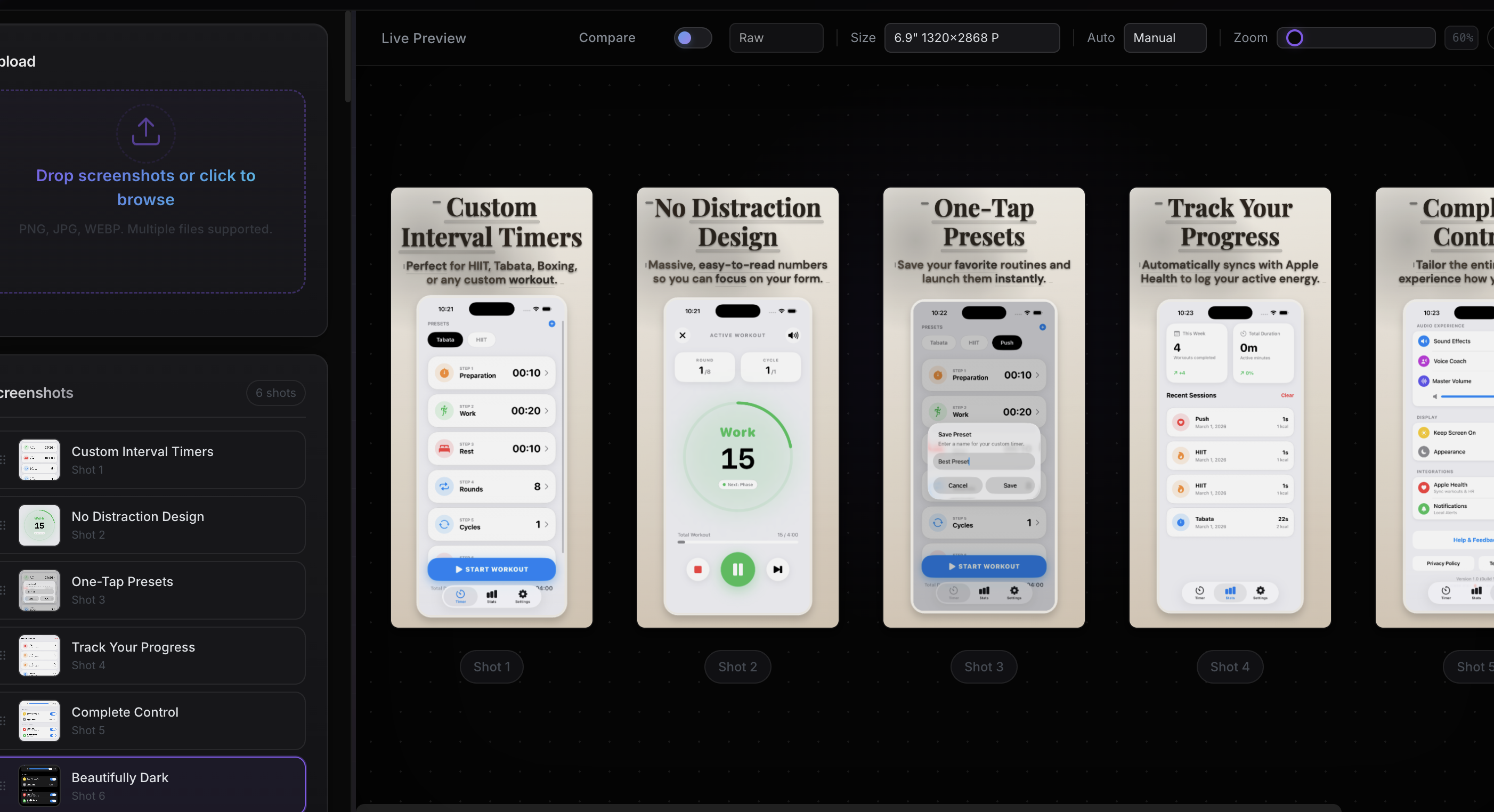
A professional web-based studio built for modern Android launch teams. Drag and drop raw Android screens,
instantly align
typographic layouts, apply cinematic 3D Android device frames, and export localized ZIP packs
effortlessly via App Screenshot Maker.
Built from the ground up for the Android ecosystem. Every device frame, export format, and dimension
calibrated to Google Play Console requirements and Material Design standards.
Material You Device Frames
Pixel-accurate bezels for Pixel 9 Pro, Samsung Galaxy S25 Ultra, and Android tablets with Material
Design 3 rounded corners. Every frame reflects the latest hardware and adapts to your screenshot
aspect ratio automatically.
Play Console Optimized
Export at every dimension Google Play demands — phone screenshots from 1080x1920 to 1080x2400, 7-inch
and 10-inch tablet sizes, Chromebook layouts, and the 1024x500 feature graphic. Ready for Play Store
listing experiments and A/B testing out of the box.
Lightning Localization Pipeline
Paste translations and watch layouts auto-adjust for Google Play Console's 75+ supported locales.
Leverage automatic store listing translation suggestions, then batch-export every locale into a
structured ZIP ready for upload.
Google Play requires phone screenshots between 320px and 3840px on any side, with a maximum aspect ratio of 2:1 (or 1:2). The most common sizes are 1080×1920 (portrait) and 1920×1080 (landscape). App Screenshot Maker exports optimized sizes for all Google Play device types.
How many screenshots can I add to a Google Play listing?
Google Play allows up to 8 screenshots per device type (phone, tablet, Chromebook, Wear OS, TV). A minimum of 2 phone screenshots is required for publishing.
Does App Screenshot Maker work for both iOS and Android?
Yes. The tool exports screenshots in all sizes required by both Apple App Store Connect and Google Play Console. You can create assets for both platforms from the same project.
What is a feature graphic on Google Play?
A feature graphic is a 1024×500 banner image displayed at the top of your Play Store listing. It's used in promotional placements and store collections. App Screenshot Maker helps you create feature graphics that match your screenshot design.
 App Screenshot Maker